Clip Sweeper Press Kit
Clip Sweeper is a macOS app that finds the footage your projects never used and helps you reclaim that drive space without the fear of deleting the wrong thing. Everything a writer needs is on this page: the facts, the screenshots, the story, and how to reach me.
Facts checked against clipsweeper.com and the Mac App Store listing on 24 September 2026.
In the press
It tells you which footage is dead weight, then gets the space back safely
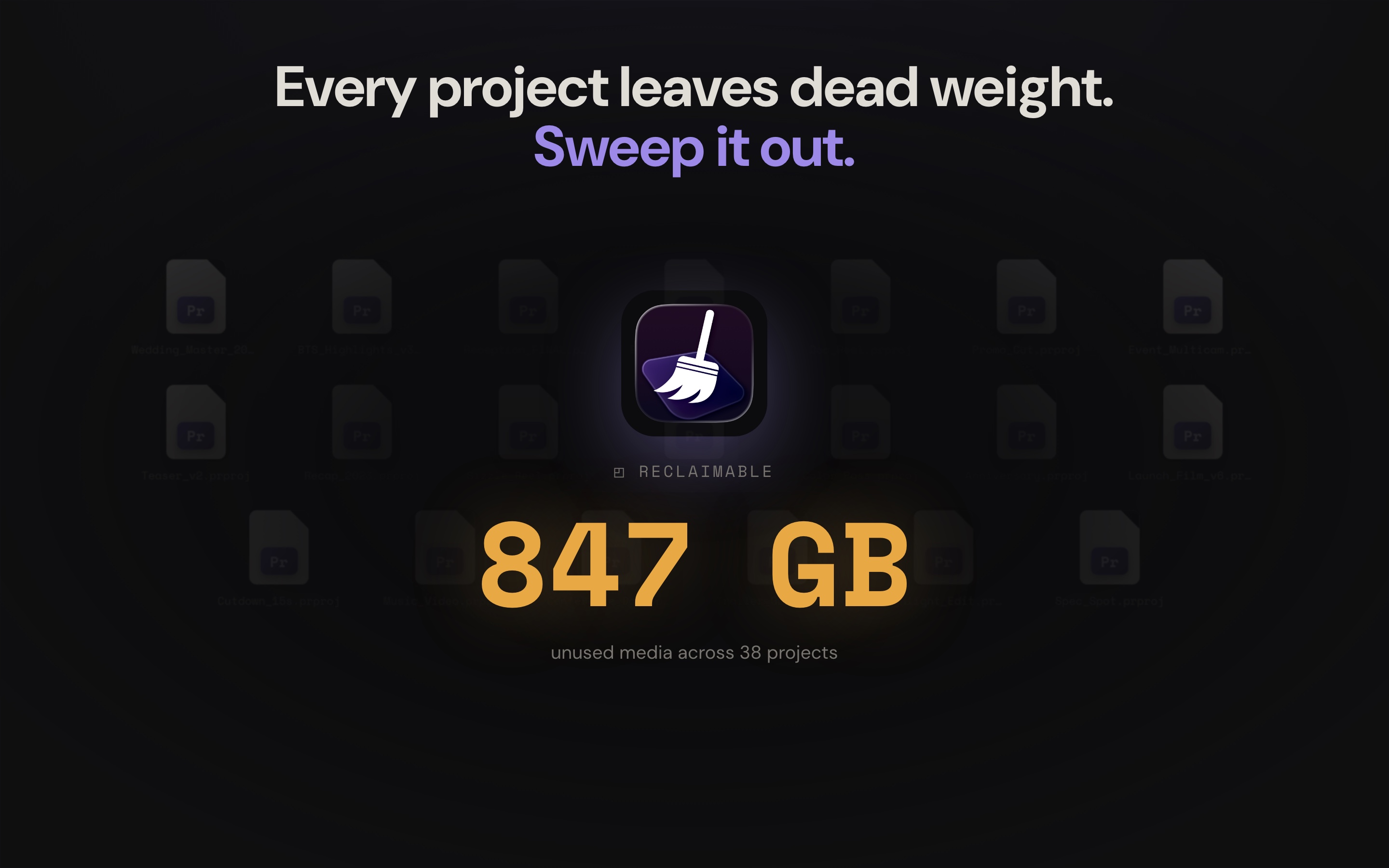
Open a finished project and most of the media on the drive never made the cut: the takes you passed on, the reel you scrubbed once, the B-roll that did not fit. Clip Sweeper reads your Premiere Pro and DaVinci Resolve projects, traces every clip that is actually used on a timeline, and shows you everything that is not. Then it hands you a safe way to clear it out.
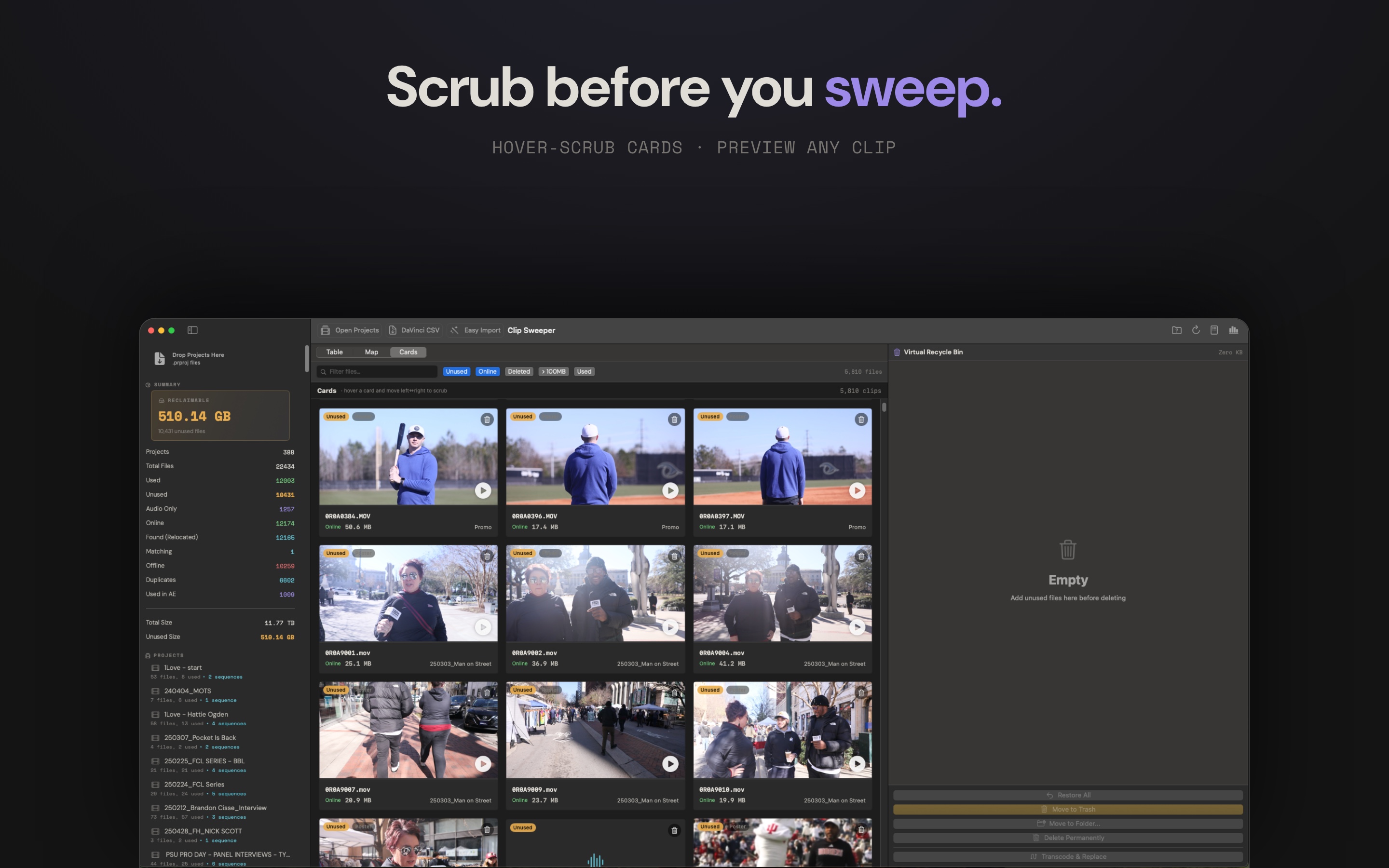
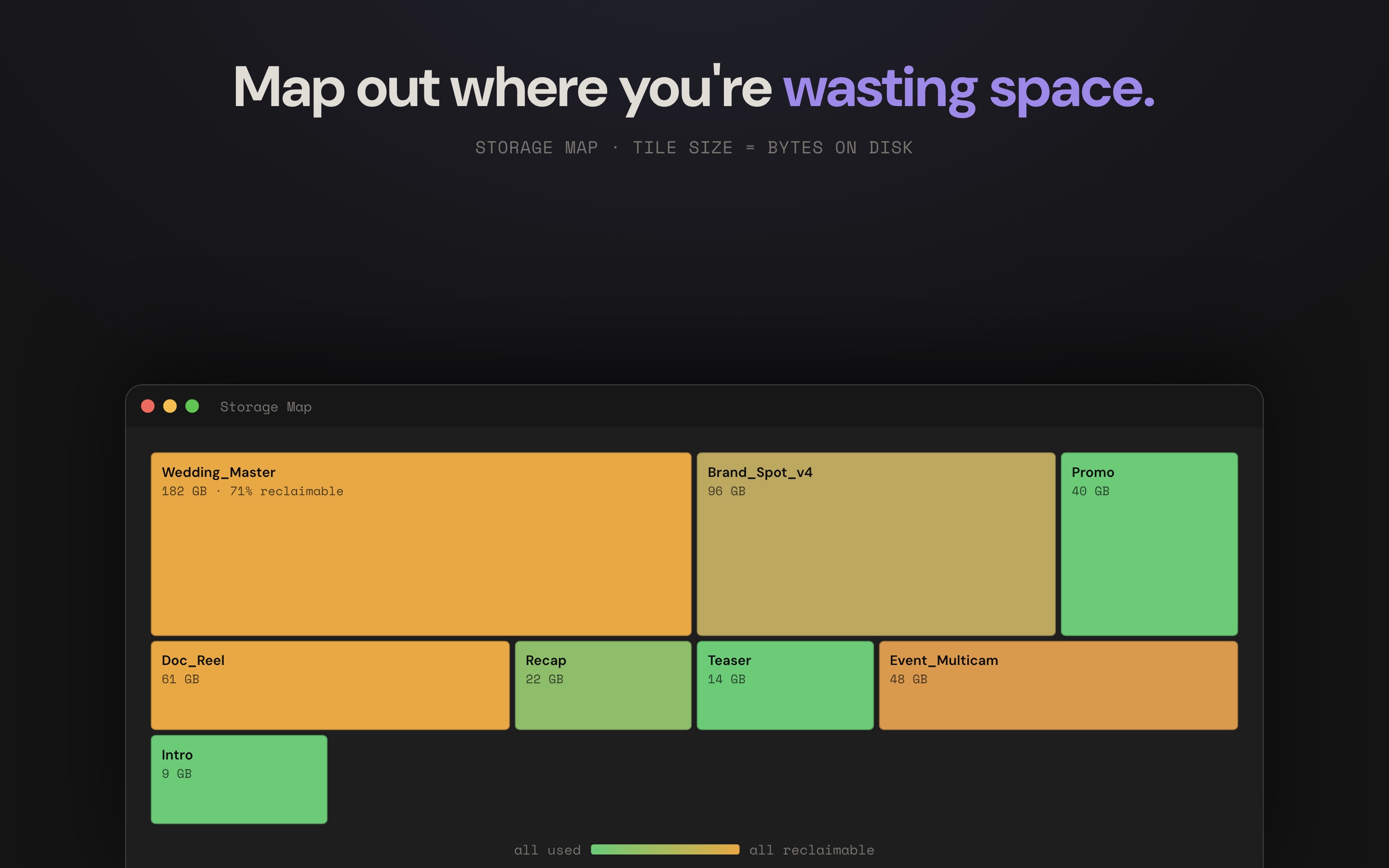
You see the result three ways: a storage map that sizes every project by its bytes on disk and tints it by how much is reclaimable, hover-scrub cards that let you preview a clip before you touch it, and a precise sortable table. Anything you flag goes into a virtual recycle bin first, so nothing on disk moves until you decide what happens to it.
Who it's built for
Video editors and filmmakers on macOS who manage large media libraries: wedding and event shooters, YouTubers and creators, documentary and branded-content editors, and small post houses cutting in Premiere Pro or DaVinci Resolve. People who own a lot of drives and dread the day one fills up.
The problem it solves
Storage is the most expensive thing most editors buy, and the majority of it is footage they never actually used. The catch is that nobody deletes media they cannot verify is safe to remove, so the drives just keep growing and the next one keeps getting bought. Clip Sweeper makes the unused media visible across every project at once, lets you prove a clip is junk before it goes, and never touches a file on disk until you say so.
Screenshots
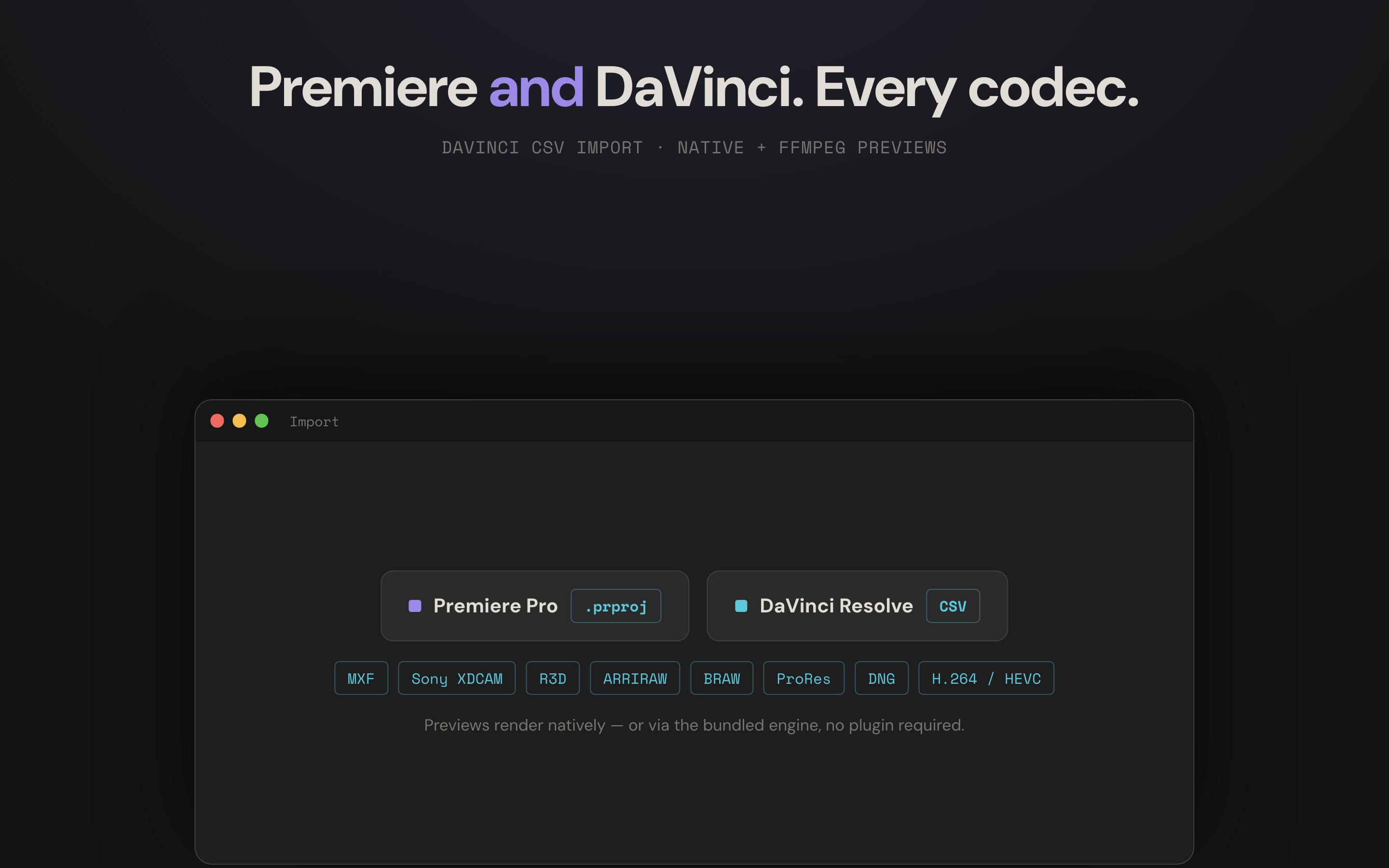
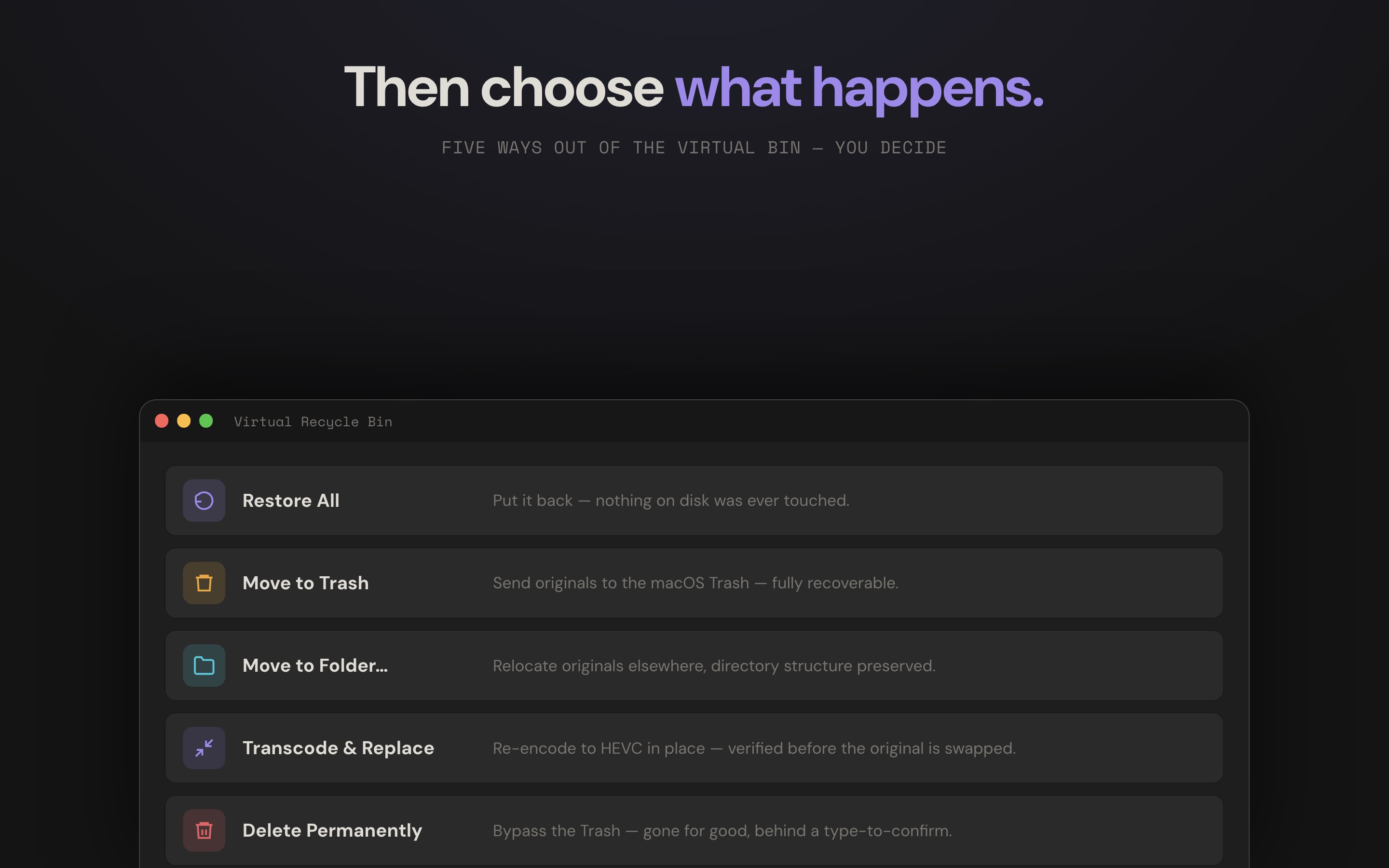
Every image links to full resolution. The complete set, including clean app captures, is in the downloads below.
What's worth reporting
- Cross-application. Reads Premiere Pro project files and imports DaVinci Resolve metadata CSVs, and it is aware of After Effects references pulled into a timeline.
- Three views, one result. A storage-map treemap, hover-scrub preview cards, and a precise table, with the same filters across all three.
- Safety first. A virtual recycle bin stages everything before anything on disk is touched, with five exits: restore, move to Trash, move to a folder with structure preserved, transcode and replace, or permanent delete behind a type-to-confirm.
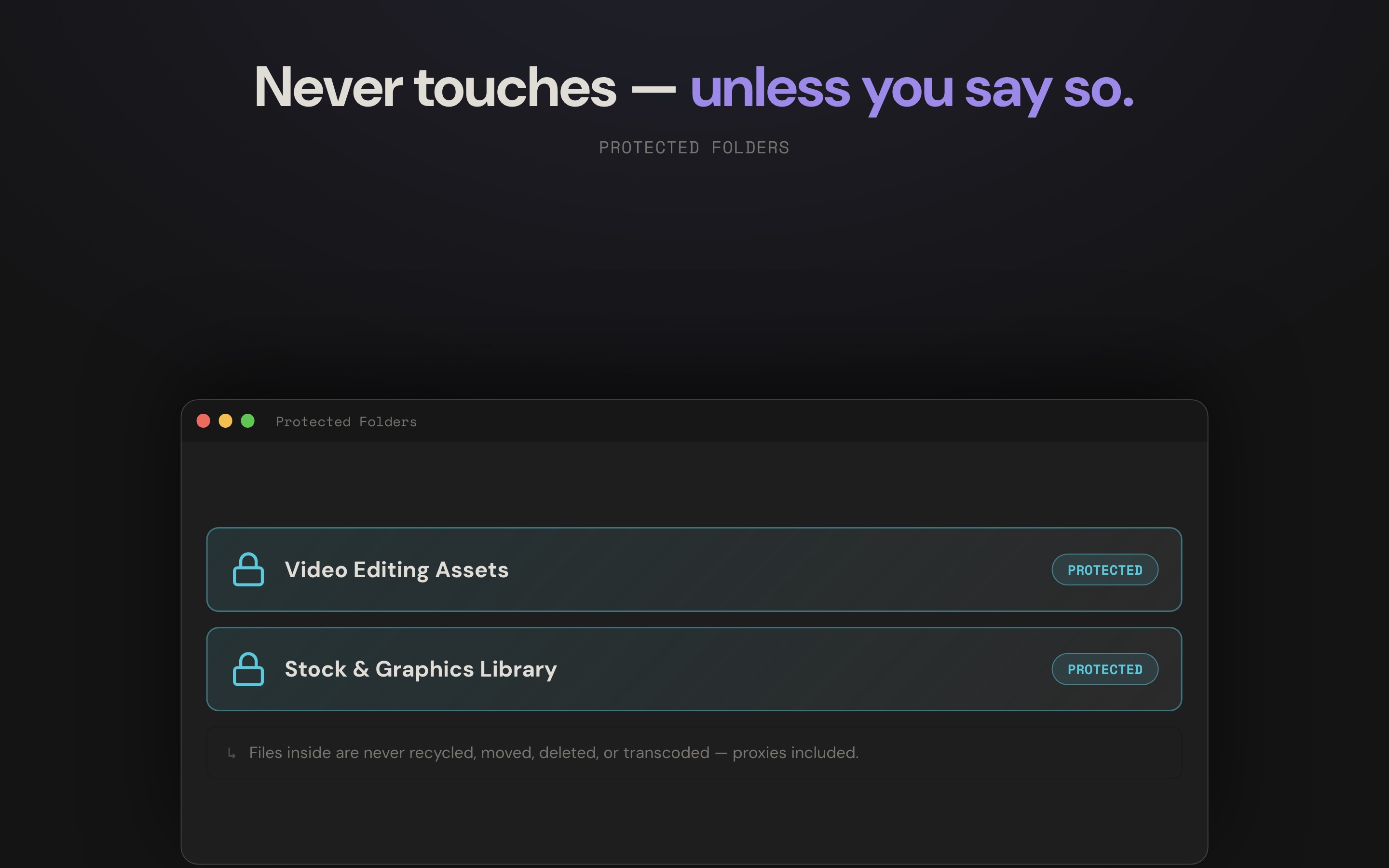
- Protected folders. Mark a stock or asset library once and nothing inside it can ever be recycled, moved, deleted, or transcoded, proxies included.
- Real previews. Frames render for the formats cameras actually shoot (MXF, Sony, Canon and more), natively where Apple's Pro Video Formats are installed and through a built-in decoder where they are not.
- Local and private. The analysis runs on your machine. There is no account and no upload of your media to a cloud.
- Built for full drives. Hundreds of projects parse at once without thrashing a network or cloud-backed mount, and staging thousands of clips is instant.
On the roadmap
Windows support is the most requested next step. The Mac app remains free to try, with a one-time unlock for cleanup actions.
Free to prove the space is there
Scanning, previewing, and staging are free, so editors can prove the value on their own drives before paying. Moving, archiving, deleting, and transcoding require a one-time $19.99 unlock, a perpetual licence. There is no subscription, and there is no plan to add one.
About Leland Dutcher
Leland Dutcher is a filmmaker and editor who builds software for the people he works alongside. He has spent years in the edit bay across Premiere Pro and DaVinci Resolve, and he writes code for the same craft, making the tools he wished existed when a drive filled up the night before a deadline. He works independently and ships from a creative's point of view first and a developer's second. Clip Sweeper is the first of his tools to reach the Mac App Store.
"Storage is the most expensive thing most editors buy, and almost none of it is the footage we actually used. I built Clip Sweeper so you can see that waste, prove it is safe to remove, and get the space back without holding your breath."
Boilerplate
Clip Sweeper is a macOS app that finds the footage your projects never used and helps you reclaim the drive space safely.
Clip Sweeper is a macOS app for video editors. It reads your Premiere Pro and DaVinci Resolve projects, finds the media that is not used on any timeline, and gives you a safe, staged way to reclaim that drive space. It is built by an independent filmmaker and developer, and it is free to try.
Clip Sweeper is a macOS app that solves an expensive problem for video editors: most of the footage on their drives was never used in the final cut, but nobody deletes media they cannot prove is safe to remove. Clip Sweeper reads Premiere Pro projects and DaVinci Resolve metadata exports, traces every clip used on a timeline, and surfaces everything that is not, across every project at once. Editors see the result as a storage map, as hover-scrub preview cards, or as a sortable table, and everything they flag is staged in a virtual recycle bin before a single file on disk is touched. Protected folders keep stock and asset libraries permanently off-limits. Clip Sweeper is built by Leland Dutcher, an independent filmmaker and editor, runs entirely on the user's machine with no cloud upload, and is available as a direct download and on the Mac App Store. It is free to try, with a one-time $19.99 unlock and no subscription.
Assets and downloads
App icon, clean app captures, and the full screenshot set, all free to use in coverage of Clip Sweeper.
ZIP, 11 files, 4.9 MB App icon
PNG, 512px Cards (clean capture)
PNG, full res Virtual bin (clean capture)
PNG, full res Hero graphic
JPG, 2880px Storage map
JPG, 2880px Bin options
JPG, 2880px Virtual bin (full window)
JPG, 2880px Brand frame
JPG, 2880px
Need a format, a specific shot, or a logo file you do not see here? Email me and I will send it over.