Every project leaves
dead weight.
Sweep it out.

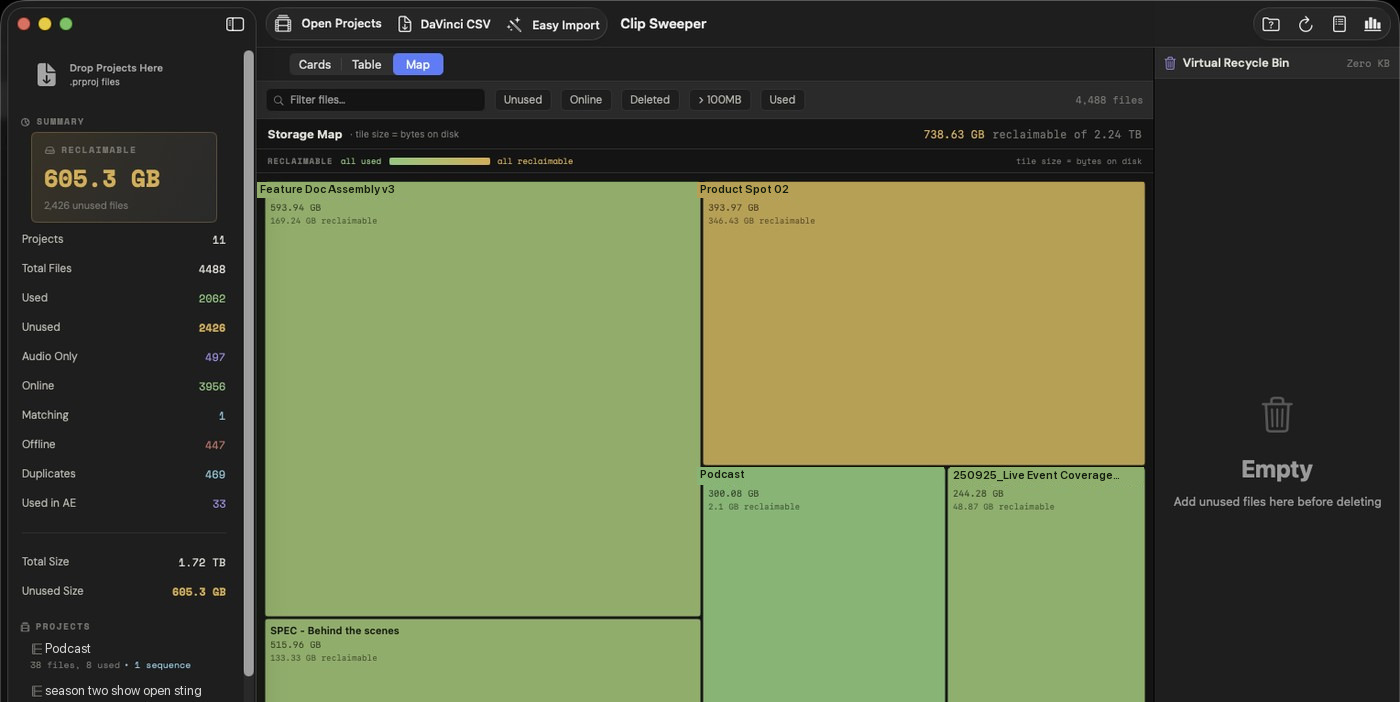
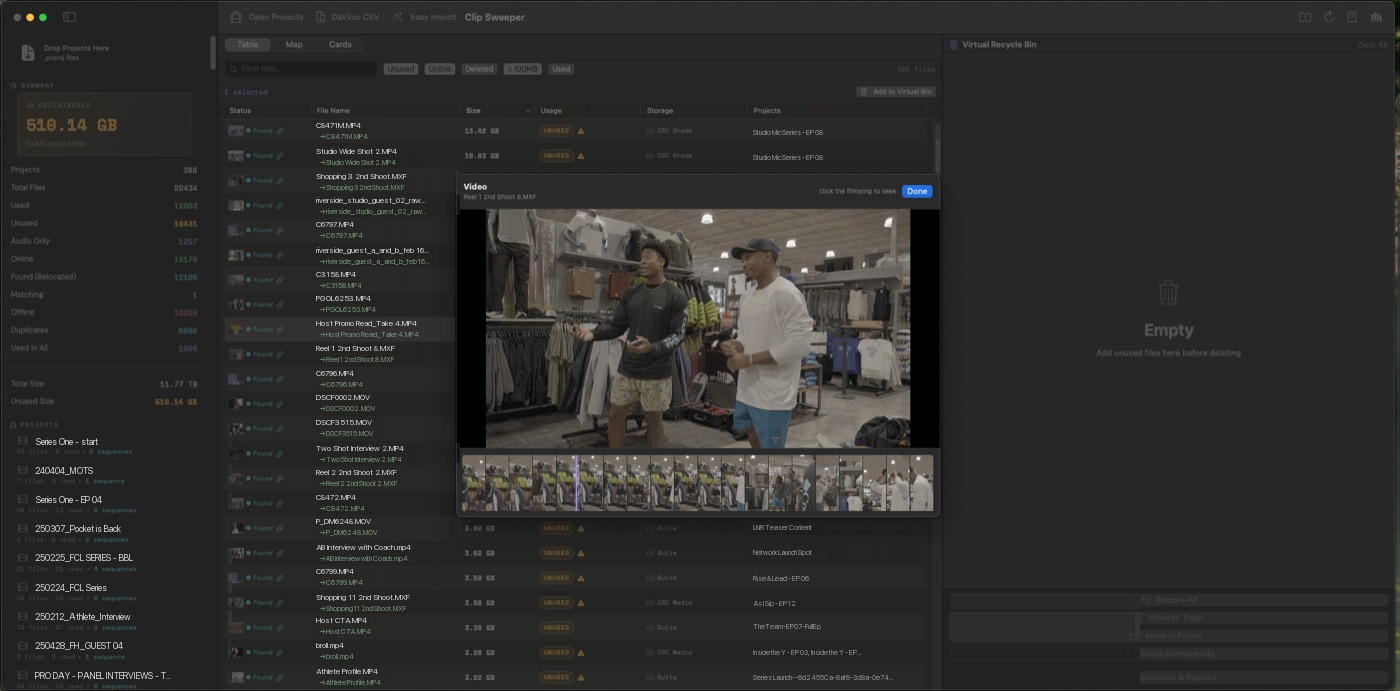
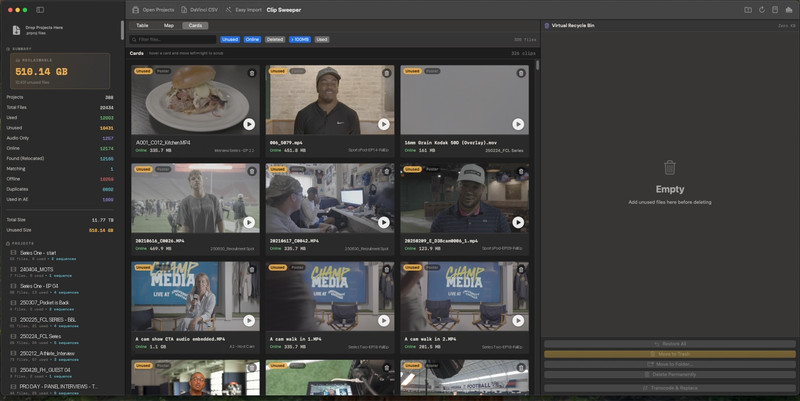
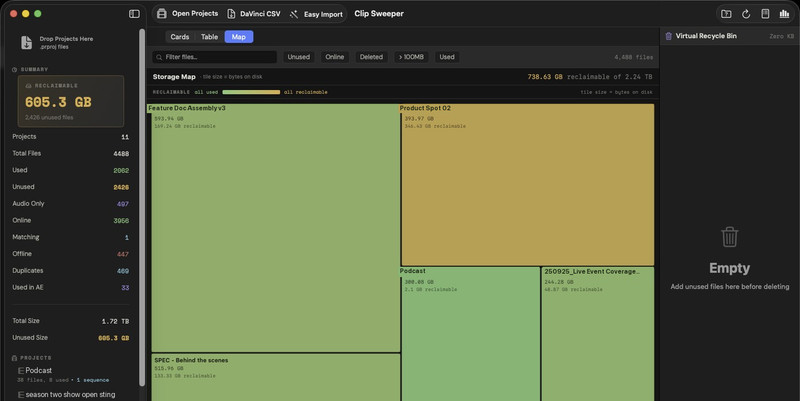
Clip Sweeper reads your Premiere Pro and DaVinci Resolve projects and finds every unused media file across timelines, projects, and linked After Effects comps. See it as cards, a table, or a storage map, then sweep it out safely.

Premiere Pro CC 2017+ · macOS 13+

Clip Sweeper icon
Hartley_Wedding.prproj
Borderlands_Doc.prproj
City_FC_Matchday.prproj
Clip Sweeper
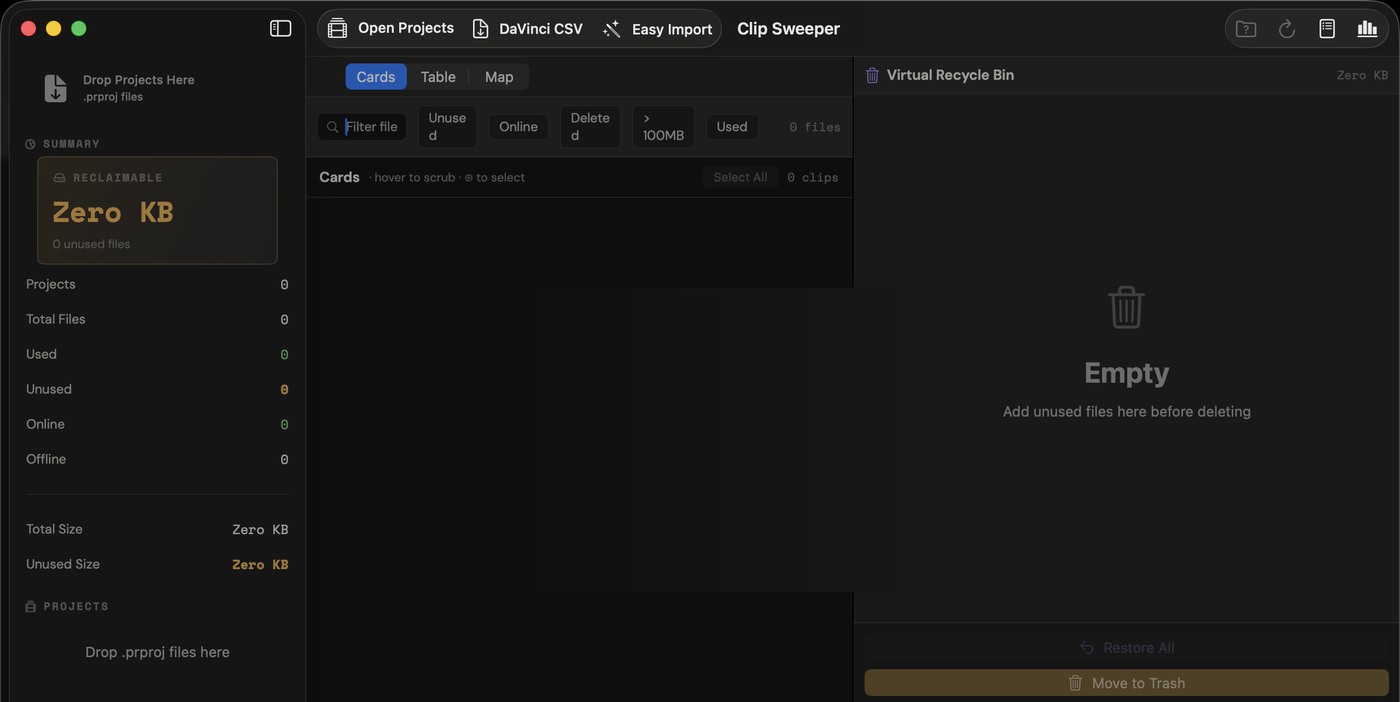
Drop .prproj files to analyze
or use Easy Import to scan a folder
Projects
Tools
Recycle Bin 0
Statistics
Audit Log
CardsTableMap Unused only
1,840 files across 6 projects 23.4 GB reclaimable
What it does

Three moves, start to swept.

Hand it your projects, see what's dead weight, then sweep it out the way you want. Swipe through it.

step 01 · import

Hand it every project file.

Easy Import scans a whole folder and finds every .prproj automatically. Drop in Premiere projects or a DaVinci Resolve CSV and it reads them all.

Clip Sweeper · Easy Import
Easy Import
Wedding_Master_2024.prproj
BTS_Highlights_v3.prproj
Reception_Edit_FINAL.prproj
Season3_Ep04.prproj
3 projects · 412 clips found
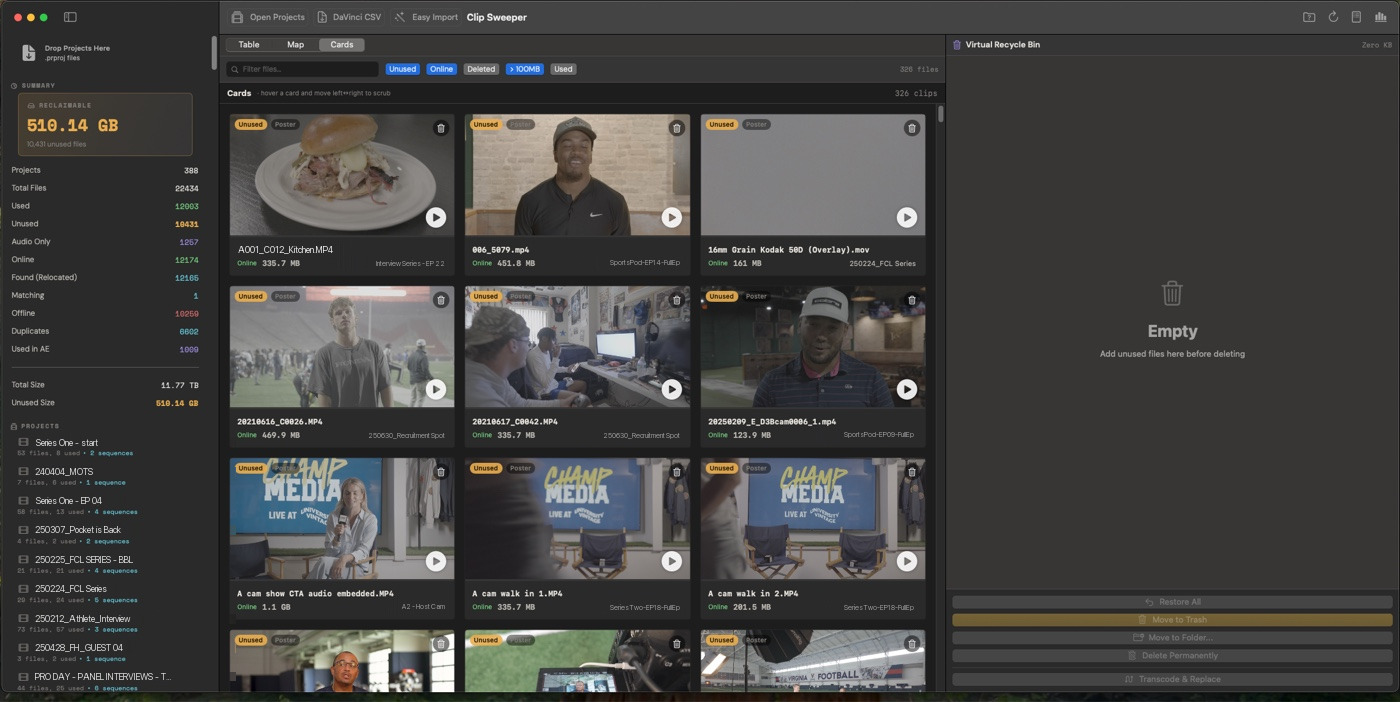
Clip Sweeper · Cards
Clip Sweeper Cards view, every clip sized and labelled used or unused
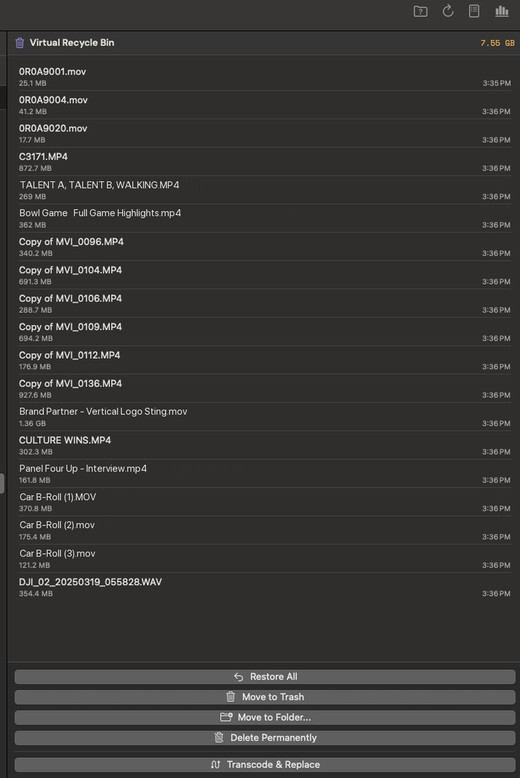
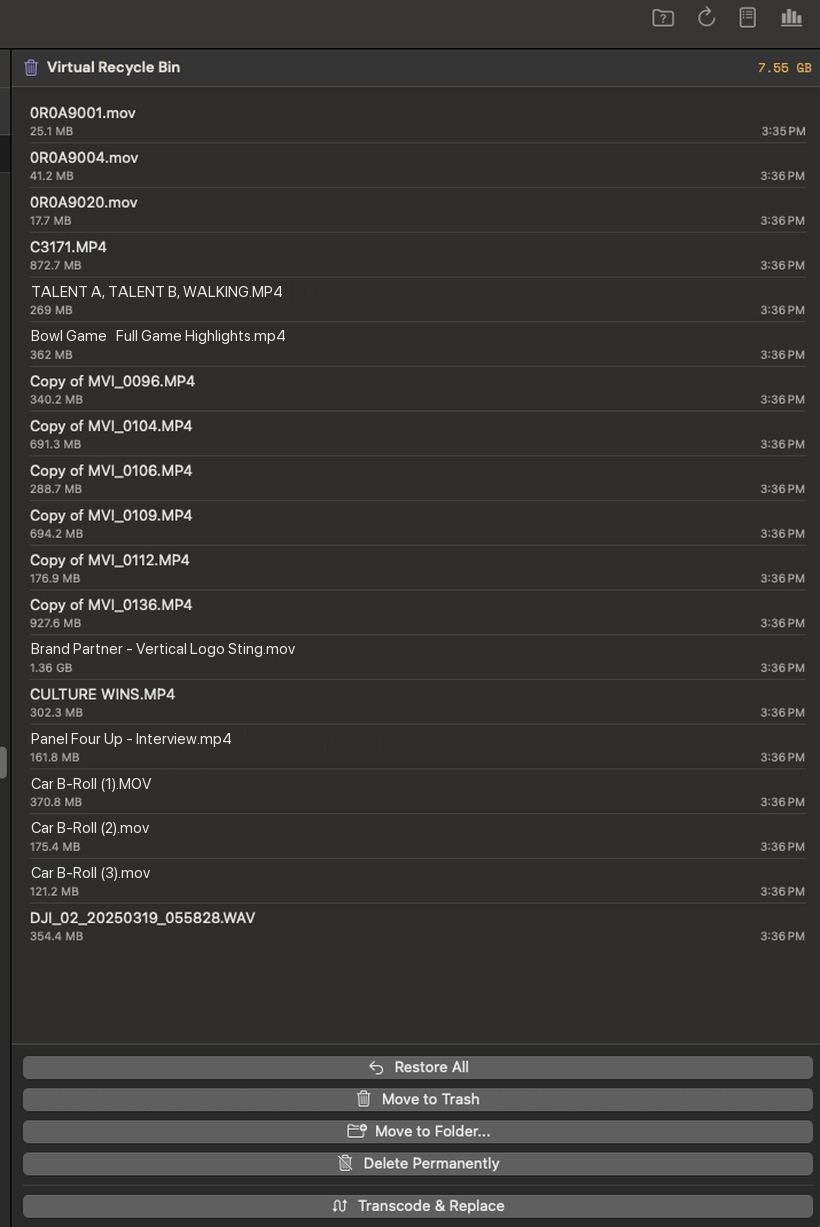
Clip Sweeper · Virtual Recycle Bin
Delete permanently
Bypasses Trash, gone for good.
type to confirm
delete
Move to folder
Relocate to an archive or cheaper drive, structure intact.
ARCHIVE
Transcode & replace
Re-encode in place to reclaim space without deleting.
reclaimed in place
4.2 GB0.9 GB
Restore anything until you commit.
DaVinci Resolve importNew
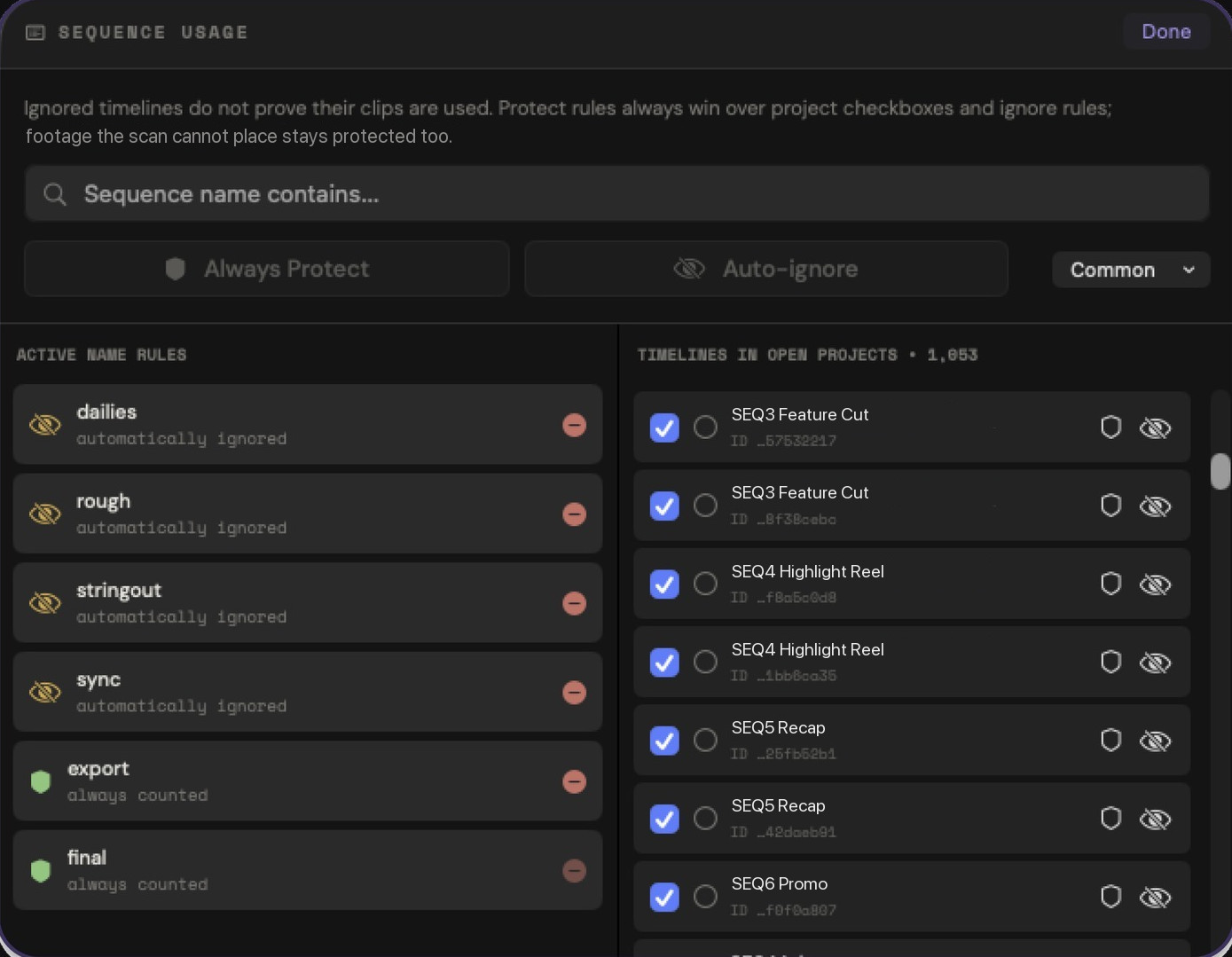
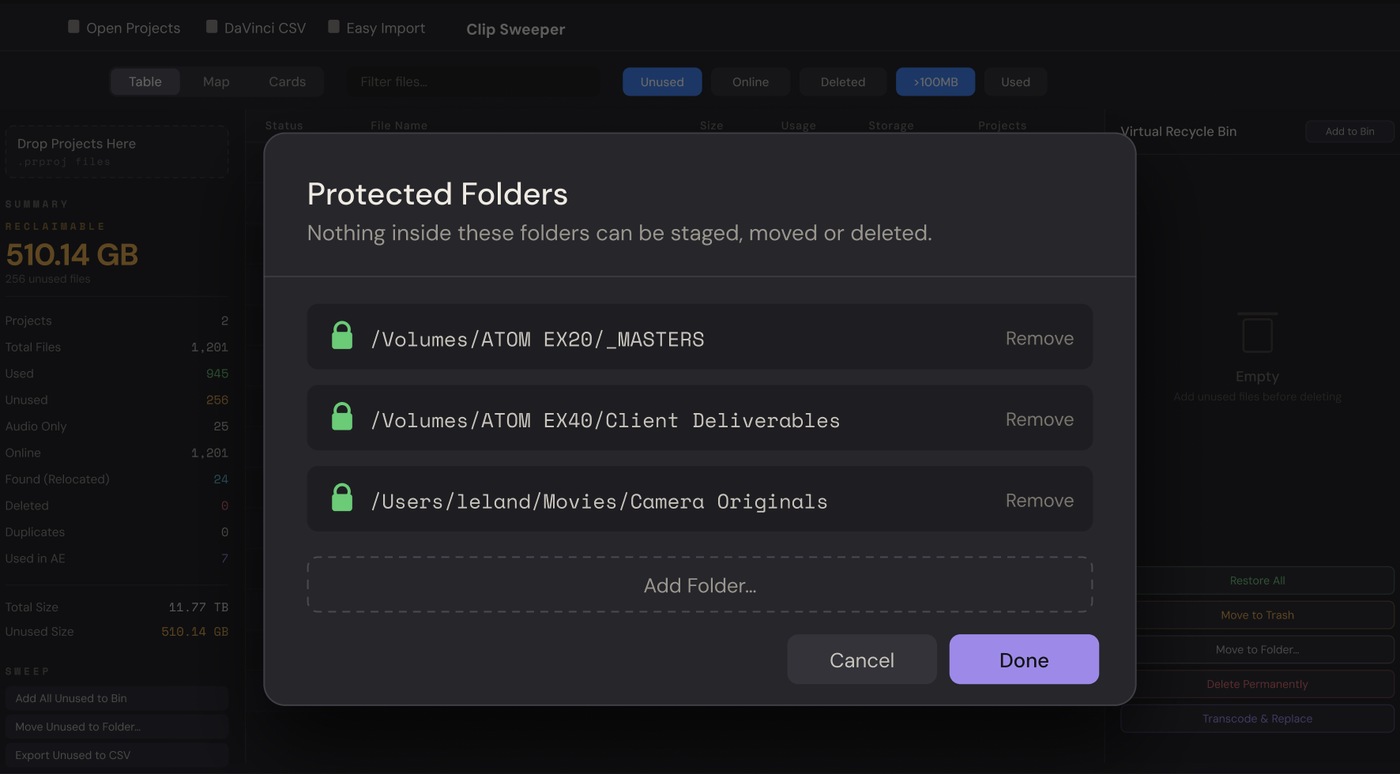
Protected foldersNew
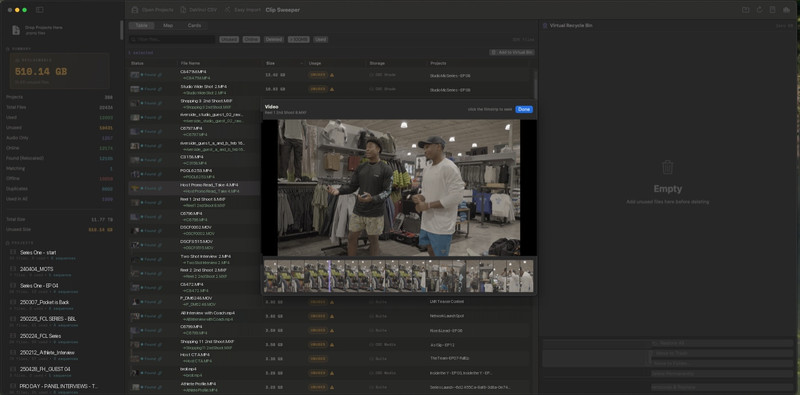
Instant previews, any codec
Built for huge batches
After Effects aware
Smart offline search

See what you can reclaim.

Available on the Mac App Store.

Available on the Mac App Store
Workflows

However you store it,
Clip Sweeper fits.

Three common setups, one habit. Pick the one that looks like your shelf.

Workflow A

SSD to archive

One big archive drive that never stops filling.

Workflow B

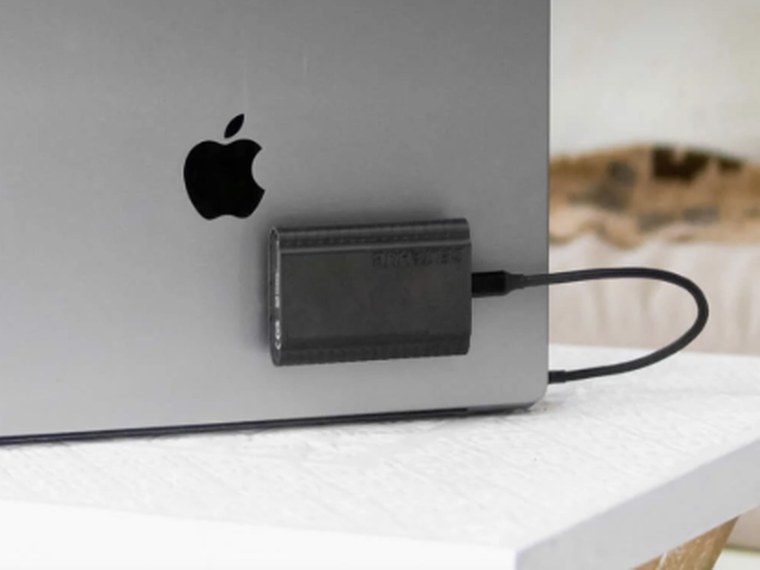
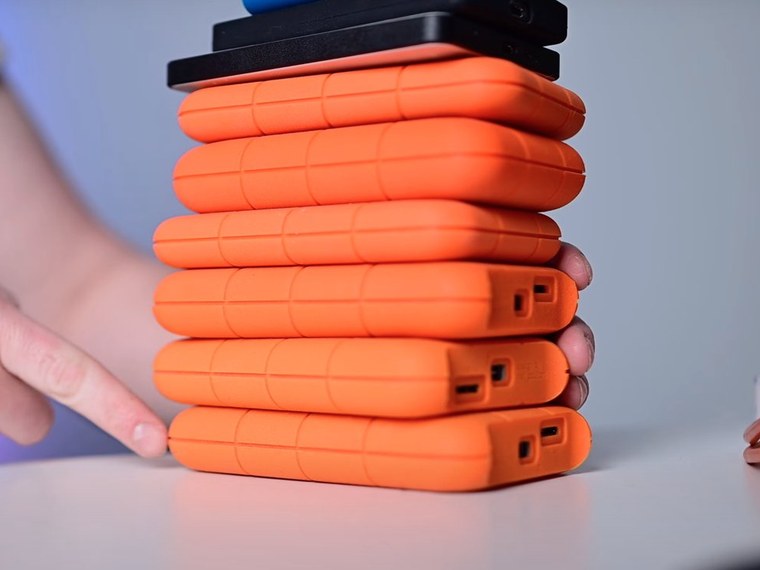
A drive per project

A drawer of half-empty SSDs after delivery.

Workflow C

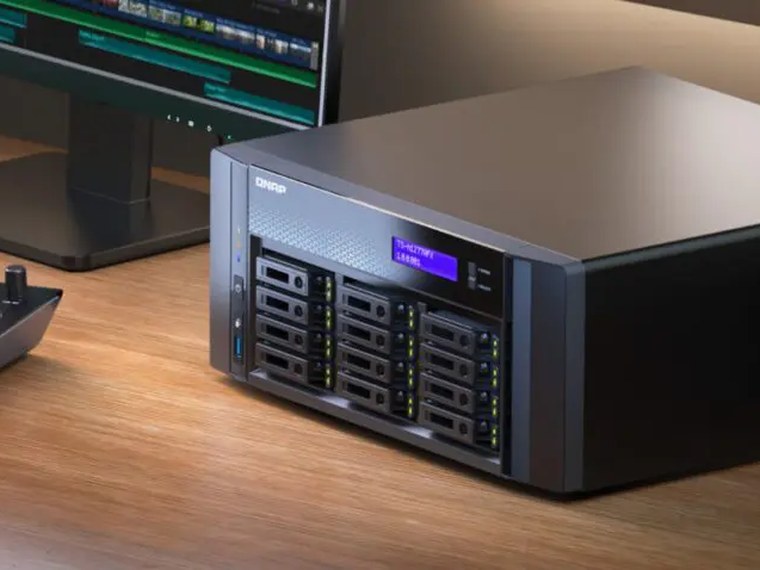
Shared NAS

Many editors, nobody sure what's safe to delete.

Point it, scan it, reclaim it.
1

Scan the archive

2

Cross-reference everything

3

Reclaim the dead weight

30–50%  of a typical archive is unused B-roll and alternate takes
Use Cases

Built for how editors
actually work.

Whatever you shoot, the shoot-to-used ratio is brutal. That's the whole point.

Wedding & Event
500 GB – 2 TB / shoot
Half never touches a timeline.
Sports & Broadcast
Terabytes / game day
Seasons pile up fast.
Podcast & Series
50 eps × 20 GB
Shared assets tracked across the season.
Documentary
Highest shoot:used ratio
Months of field footage you'll never revisit.
Corporate
6 aspect ratios / shoot
Old versions linger forever.
Music & Narrative
4 TB / shoot day
R3D, ARRIRAW, BRAW handled natively.
Safety

Three gates between you
and a mistake.

Every destructive action passes through multiple checkpoints.

1

Virtual Recycle Bin

Files are staged in an in-app recycle bin first. Nothing on disk changes. Review usage counts, preview clips, change your mind freely.

Zero disk changes at this step
2

Cross-Project Safety Check

Before anything leaves the bin, every file is checked against every imported project and linked After Effects composition. Conflicts trigger a warning dialog.

Warnings block accidental deletion
3

You Choose What Happens

Move to Trash (recoverable), archive to a folder, or permanently delete (requires typing "DELETE"). Every operation is logged.

Every action is logged and reversible
Coming Soon

What's next.

Soon

Windows

Same features, same safety. Sign up to be first.

Soon

Transcode & Shrink

Hardware-accelerated HEVC encoding reduces file sizes up to 8x. Replace originals in-place with smaller versions.

Exploring

Feature Requests

We're building this for editors. Tell us what would make your workflow better.

Send a suggestion →
FAQ

Questions.

No. Everything runs locally on your Mac. No internet connection required.

Premiere Pro CC 2017 and later. The .prproj format has been stable across all Creative Cloud releases.

Yes, with one extra step. Resolve doesn't record timeline usage in its project file, so instead you build a Smart Bin where Usage = 0 and export that bin's metadata to a CSV (File ▸ Export Metadata From ▸ Selected Media Pool Clips). Clip Sweeper imports the CSV, finds the real files on disk, and manages them in the same safe workflow. Those clips are labelled "DaVinci CSV" rather than "Unused," since Resolve flagged them and not Clip Sweeper, so the call stays yours. There's a full walkthrough on the blog.

Never. Files go to a virtual recycle bin first. You review everything before any disk operation. Permanent deletion requires typing "DELETE" to confirm.

Sort by file size and your small assets like sound effects and transitions naturally separate from large camera media. You can filter and exclude them so nothing gets mistakenly deleted.

Yes. SMB, NFS, AFP, and WebDAV mounts are all supported. Trash failures on network volumes are handled automatically.

Yes. R3D, ARRIRAW, BRAW, DNG, and MXF are all recognized and managed as complete camera packages.

Clip Sweeper is available on the Mac App Store.

Try It

See what you're wasting.

Drop a real .prproj file and see your unused media right here. Nothing leaves your browser.

Import
Media Browser
Effects
Macintosh HD
Desktop
Projects
External SSD
Network
Pr
Drop a .prproj file here
Or click to browse
100% local · nothing uploaded
Parsing project file...
Sample analysis · what you'd see
B-Roll_Beach_4K.mov 4.2 GB Unused
Interview_Raw_01.MXF 12.1 GB Unused
Establishing_Drone.R3D 6.8 GB Unused
VFX_Plate_Greenscreen.exr 340 MB Unused
Backup_Lav_Audio.wav 220 MB Unused
Total reclaimable space 23.7 GB
Blog

From the edit bay.

All posts →

Your storage isn't getting cheaper.

Find out how much you can reclaim in under a minute.

Available on the Mac App Store
Get Clip Sweeper on the Mac App Store